Buying Used Camera Gear: What to Check on a Secondhand Body or Lens Before You Pay
Camera gear holds up well. Bodies are built for hundreds of thousands of shutter cycles, and good lenses last decades. That makes the used market one of the best places to save money in photography, especially when a new model pushes the old one’s price down.
It also hides problems that only show up once you’ve paid. A few minutes of checking avoids most of them.
The camera shop below advertises its secondhand trade on a sign by the door. Specialist stores like this are one of the safest places to buy used, because they test what they sell and usually give a warranty.
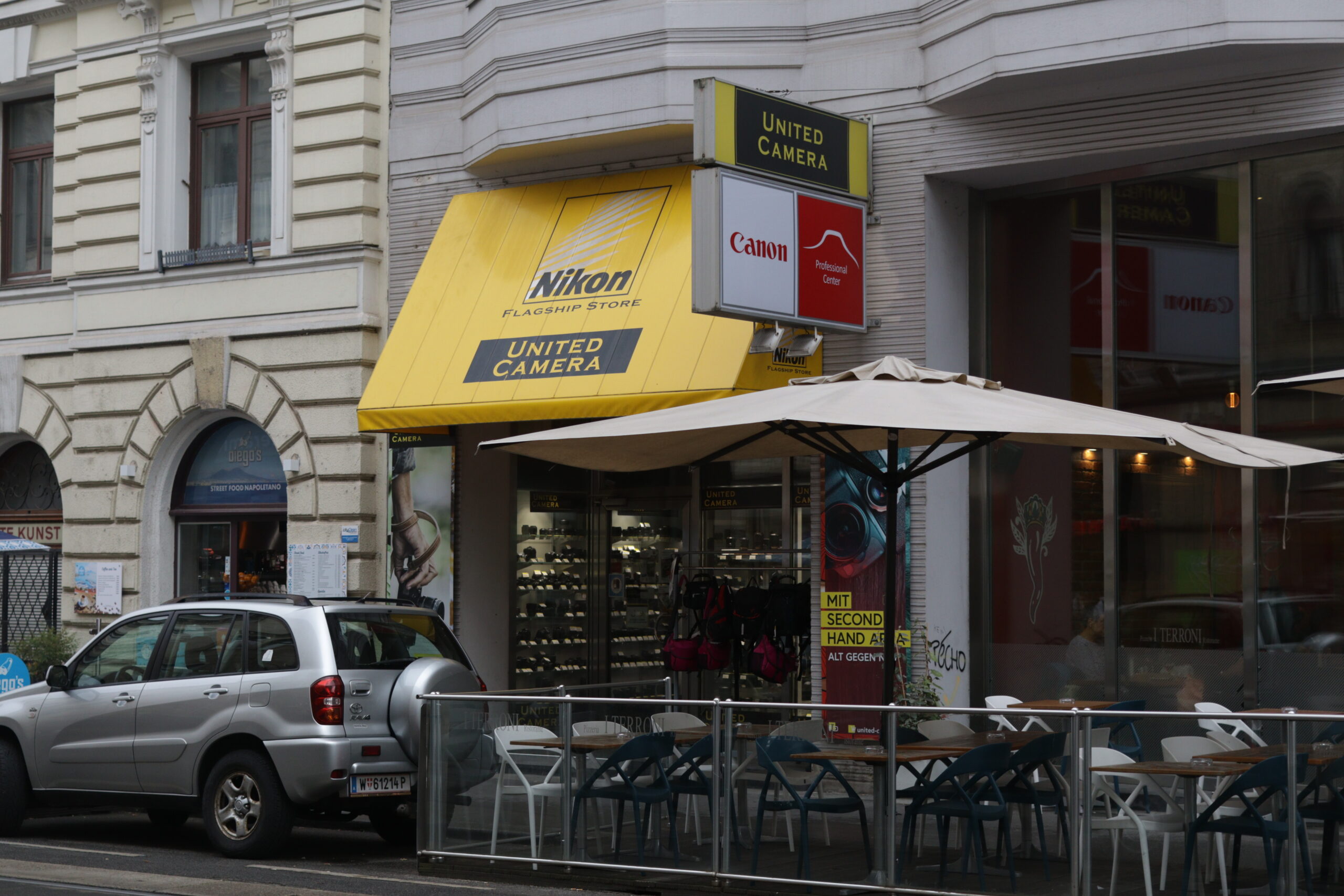
Photo: Media Gallery
Where to buy
Specialist stores and big used-gear dealers test, grade and guarantee what they sell, often for six months to a year. You pay a bit more than a private sale, and you get recourse if something fails.
Private sellers are cheapest and riskiest. Meet in person where you can test the gear, or use a platform with buyer protection.
Avoid listings with stock photos instead of photos of the actual item, prices far below the market, and sellers who won’t let you test.
Checking a camera body
Shutter count. Mechanical shutters wear out. Many cameras report their count in the menu or through free online tools that read it from a raw file. Compare it with the shutter’s rated life for that model. On mirrorless cameras used mostly with the electronic shutter, the count can be low even on a well-used body.
Sensor. Stop down to f/16, point at a plain sky or white wall and take a picture. Dust shows as soft dark spots and can be cleaned. Scratches or marks that don’t move after cleaning are a reason to walk away.
Mount and contacts. Look for wear, scratches on the contacts and a loose mount. A body that’s had heavy lenses hung on it for years can show play.
Every button, dial and port. Turn every dial, press every button, open the card doors, test both card slots, plug in a cable. Flaky dials are common on hard-used cameras.
Screen and viewfinder. Look for dead pixels, scratches and a dim or uneven viewfinder.
Video. If you shoot video, record a few minutes. Overheating and audio faults show up fast.
Checking a lens
Shine a phone flashlight through the lens from both ends. A little dust is normal and harmless. Fungus looks like fine spider webs or branching threads and is a real problem. Haze makes the whole lens look milky.
Check autofocus speed and accuracy on a body, ideally the one you own. Zoom through the full range and feel for grinding or stiff spots. Try the stabilization on a long lens: the image in the viewfinder should settle, not jump. Check the aperture ring if it has one, and the mount for wear.
What’s worth buying used
Previous-generation bodies are often the best value in photography. Our Canon EOS R6 Mark II review and Sony A7 IV review both make the case for buying the older model now that a successor exists. Lenses are an even safer used buy, since optics don’t age and a good lens outlasts several bodies.
Buy from someone who’ll let you test, check what you can, and keep the receipt.