Free Photo Editing Software in 2026: GIMP 3, darktable, RawTherapee and the Now-Free Affinity
A new camera doesn’t have to come with a monthly software bill. The free editors have caught up a long way, and in 2025 two things changed the picture for good. GIMP released version 3.0 after seven years of work, and Canva made Affinity, the main paid rival to Adobe’s apps, completely free.
So if you shoot raw and don’t want a subscription, there’s now a free route for every step: developing raw files, retouching and building layouts.
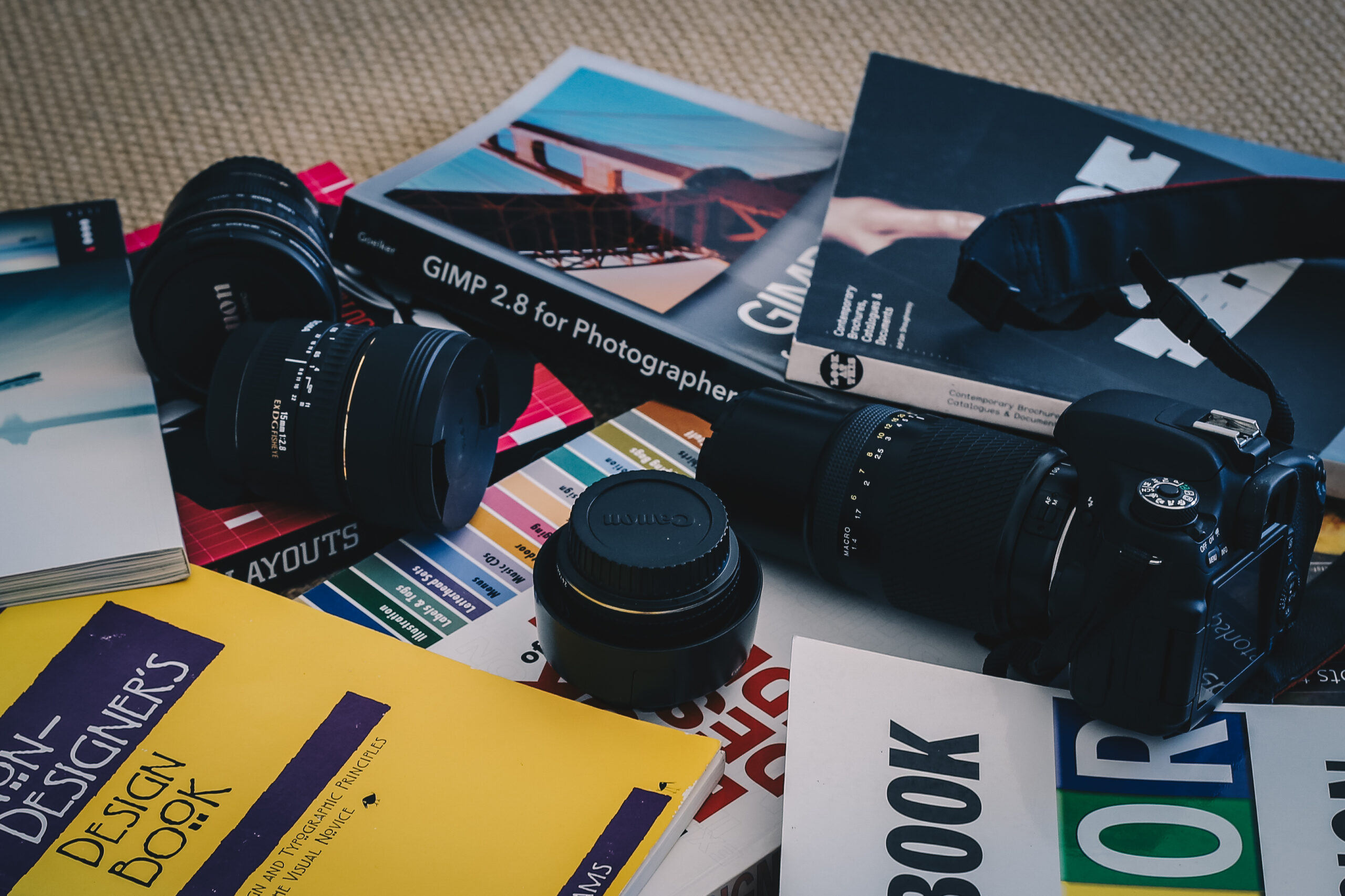
The photo below is a reminder of how long people have been trying. Lenses, a camera and a pile of design books, with a guide to GIMP 2.8 in the middle. Version 2.8 came out in 2012, and the program has moved a long way since.
Step one: develop the raw file
GIMP isn’t a raw developer. For that, the two free standards are darktable and RawTherapee. Both are open source and run on Windows, Mac and Linux.
darktable is the closest free equivalent to Lightroom. It manages your library, applies edits non-destructively and has strong tools for exposure, color and local adjustments with masks. Its interface takes some learning, and its modules have changed a lot over the years, so follow tutorials made for the version you install.
RawTherapee is a pure raw processor, with no library management. It’s known for detailed demosaicing and noise reduction, and it’s a good choice for people who just want the best possible file out of each raw and then move on.
Both support most current mirrorless cameras, though very new models can take a few weeks or months to be added. Check before buying a camera that has just launched if you depend on free software.
Step two: retouch and composite
GIMP 3.0, released in March 2025, finally added non-destructive filters, which let you change or remove an effect later instead of baking it into the pixels. It also brought better color management, high-resolution display support and easier selection of multiple layers. For retouching, cleanup and compositing, it now feels like a modern program.
Affinity is the bigger change. Canva bought it in 2024 and relaunched it as a single app combining photo editing, vector design and page layout, free for everyone. It includes raw development and non-destructive editing. The only paid extras are Canva’s AI tools, which need a Canva premium account. For photographers who also make posters, brochures or social graphics, this one free app covers most of it.
What you give up
Lightroom’s main advantages are polish and sync: a phone and desktop library that just works, fast AI masks and a huge supply of tutorials. Capture One has excellent color and tethering for studio work. If you shoot professionally, those can be worth the money.
For everyone else, the free route is good enough to stop paying. Develop in darktable or RawTherapee, finish in Affinity or GIMP, and spend the subscription money on a lens instead. Our Canon R100 lens kit guide shows how far a few hundred dollars of glass can go.