Nikon ZR Firmware 2.00 Brings RED Color to H.265 Recording
An hour-long interview is a good reason to care about the firmware Nikon released on November 24. The Nikon ZR can now record 10-bit H.265 footage with the same Log3G10 curve and REDWideGamutRGB color space used in its RED raw workflow. That gives the person who has to copy the cards at the end of the day a say in the recording decision. You can shoot the whole conversation in smaller files and still hand the editor footage with a familiar starting point for the grade.
Think of the gimbal operator in the photograph below, filming at a tech event. A few seconds of someone walking onto a stage might make the final edit. The conversation that follows could run for forty minutes, and the one answer worth keeping might come right at the end. That’s a job where I’d happily spend card space on extra recording time. On the ZR, choose H.265 10-bit (MOV) as the video file type, then select Log3G10 as the tone mode. Those are two separate choices, a small detail worth checking before the speaker starts.
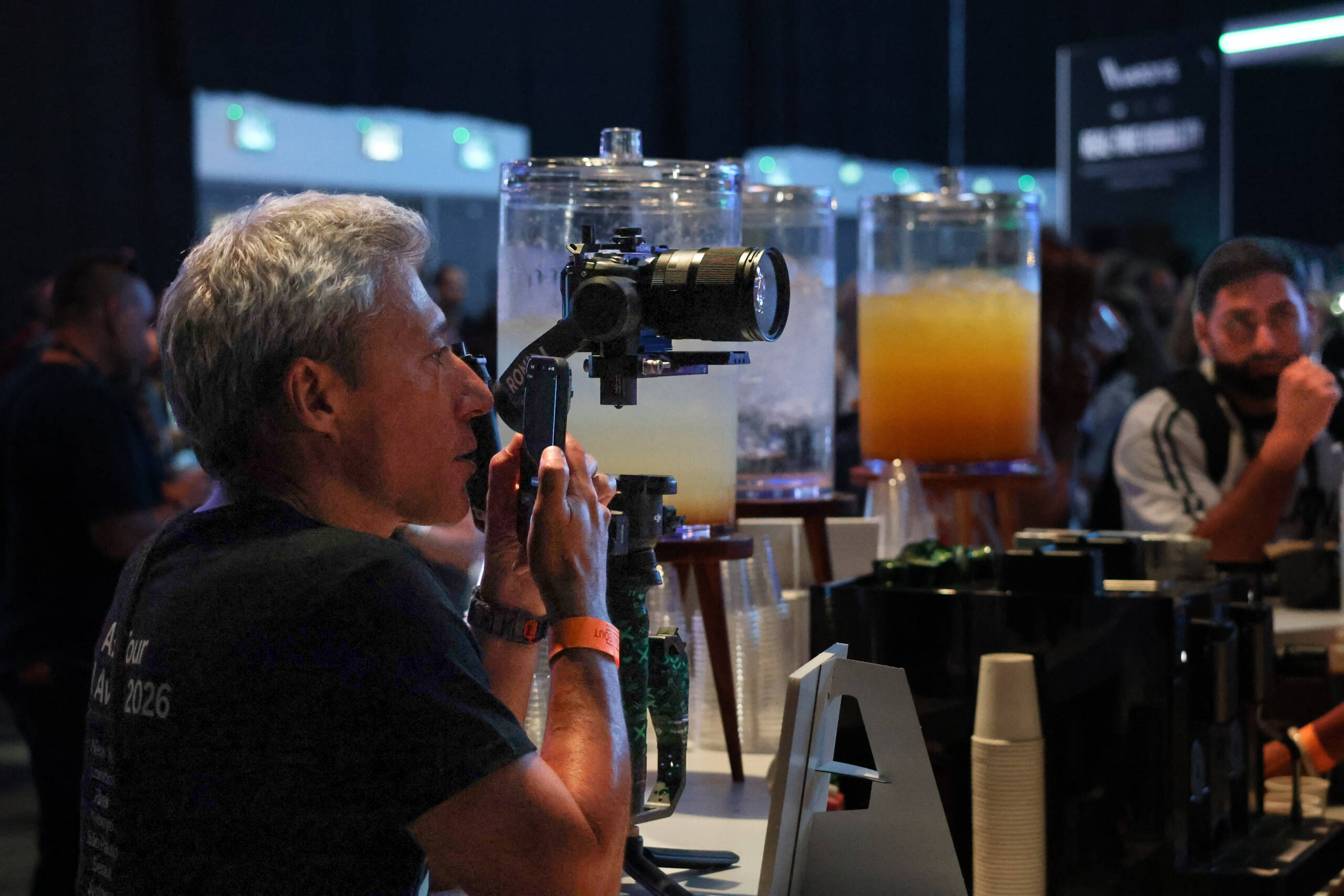
Photo: Pixel Effects
What does the editor gain? Log3G10 describes how the camera encodes brightness, while REDWideGamutRGB defines the color space. Tell the grading software those two things and it can interpret the H.265 clip using the same input settings as the RED material. That’s handy if the main interview was shot in R3D NE and the roaming camera picked up audience questions in H.265. The two angles may still need an exposure or white balance adjustment to cut together. And raw keeps its place on a demanding shoot. With H.265, the camera has already processed and compressed the image by the time it reaches the card.
For someone pulling focus, a quieter part of this update may matter more. When recording R3D NE, the ZR can now show focus peaking while a 3D lookup table is active. Watch an interview subject lean toward the camera and you can see the highlighted edges move across their glasses while judging the contrast on their face. The camera can also apply a lookup table to its HDMI output. Someone watching the external monitor can see how the lit side of that face will look in the intended grade, a much easier picture to discuss on set than a flat log preview.
There’s one setting I’d test before the next dimly lit assignment. The camera now offers four levels of high-ISO noise reduction in H.265 with Log3G10 or N-Log. Record a few seconds of a dark jacket under the lights you expect to use, then check the weave at your delivery resolution. A smooth patch of shadow can look lovely until you realize the fabric has gone smooth with it. Nikon has also changed how the camera handles fluctuations in black level from one frame to the next, aimed at the faint flicker that can draw the eye to an otherwise unremarkable dark corner.
ZR owners can get version 2.00 and the installation instructions from the Nikon Download Center. For a closer look at the body itself, including its audio recording and card slots, see our Nikon ZR review.
As an Amazon Associate I earn from qualifying purchases.