Drone Mission Files Deserve a Place in Your Photography Backup
A drone photography job can leave you with excellent pictures and a surprisingly incomplete archive. The raw files are backed up, the finished video is delivered, and the route that helped produce them is somewhere on a controller. When a client asks for another visit to the same site, that forgotten file suddenly matters. For photographers using planned waypoint flights, keeping the mission alongside the photographs is a practical habit worth developing before the next assignment.
There is a difference between saving a route for reference and saving a mission for reuse. A row of points on a map helps explain where a flight was planned. Repeating the intended camera work also depends on the settings and actions associated with those points. A file that opens successfully in a mapping application may tell you very little about which of those details survived the journey.
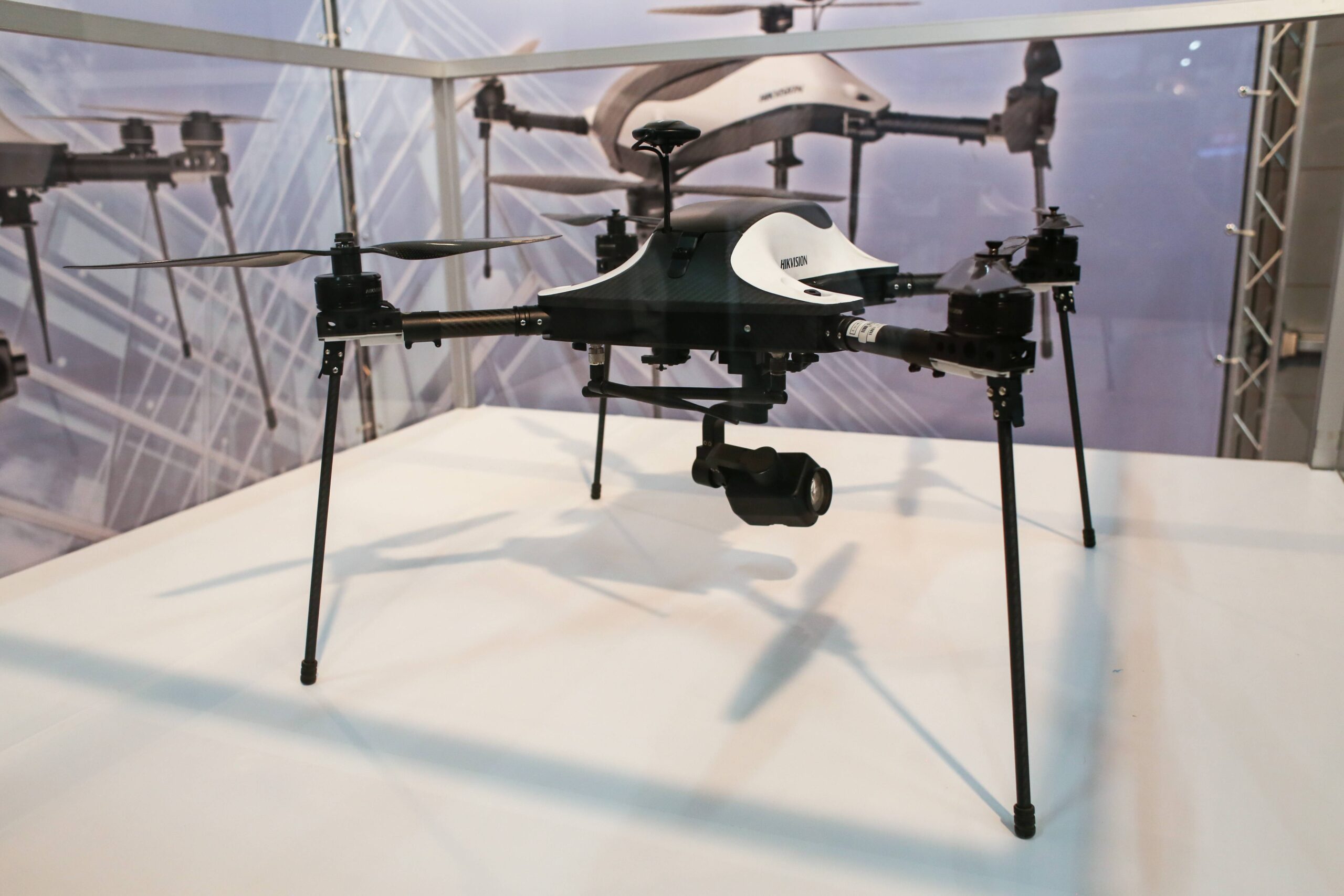
A black-and-white camera drone stands high on slender landing legs, leaving space beneath the fuselage for its suspended camera. Another aircraft sits behind it on the exhibition stand. This older display photograph illustrates the camera platform, rather than a particular mission-file format or current model. Photo: Pxef.com.
The distinction is demonstrated in iKML’s examination of a DJI mission KMZ. Its example contains a KML route plus a separate WPML flight file. Exporting that example to GeoJSON retains the waypoint geometry while dropping the embedded flight file and vendor-specific instructions. The resulting map can look reasonable even though it no longer contains the original mission. That is useful information before sending a converted copy to a colleague who expects more than a map.
For a photographer, the sensible arrangement is to keep the untouched source mission in the job folder and give any converted map a name that explains its purpose. Something as ordinary as “route-reference” helps. Add a short note recording which controller or planning application created the source, the date, and whether the file describes a planned flight or an actual recorded track. Those are different records, and confusing them makes an archive less trustworthy.
Treat inspection as a separate step from editing. iKML’s browser inspector offers a way to examine supported geographic files locally, without uploading their contents. It can help identify structure and conversion losses; it does not certify a flight as safe or confirm that a controller will accept a modified mission. Keep the original available even when experimenting with a cleaned or converted copy, and check any file intended for operational reuse in the appropriate planning environment.
I would also put a plain-text shooting note next to the route. Record the intended subject, the direction of the light, and why a particular camera angle worked. A mission can help recover position; a note helps recover intention. On a repeat visit, the building may have changed, an access point may be blocked, or the light may arrive at a different angle. The previous route is useful context for planning the new shoot.
Finally, include the mission folder in the same backup checks as the raw photographs. Open a sample from the backup, rather than assuming a copied folder is complete. The best archive makes the next visit easier: photographs you can edit, notes you can understand, and original planning files whose history is still clear.